WINDOWS DESKTOP AUTOMATION / CREATOR SYSTEMONE DIRECTION · ONE CONNECTED FLOW

PLAYLIST PLAYGROUND · 플플 FOR WINDOWS

Carry one creative direction through the entire production flow.

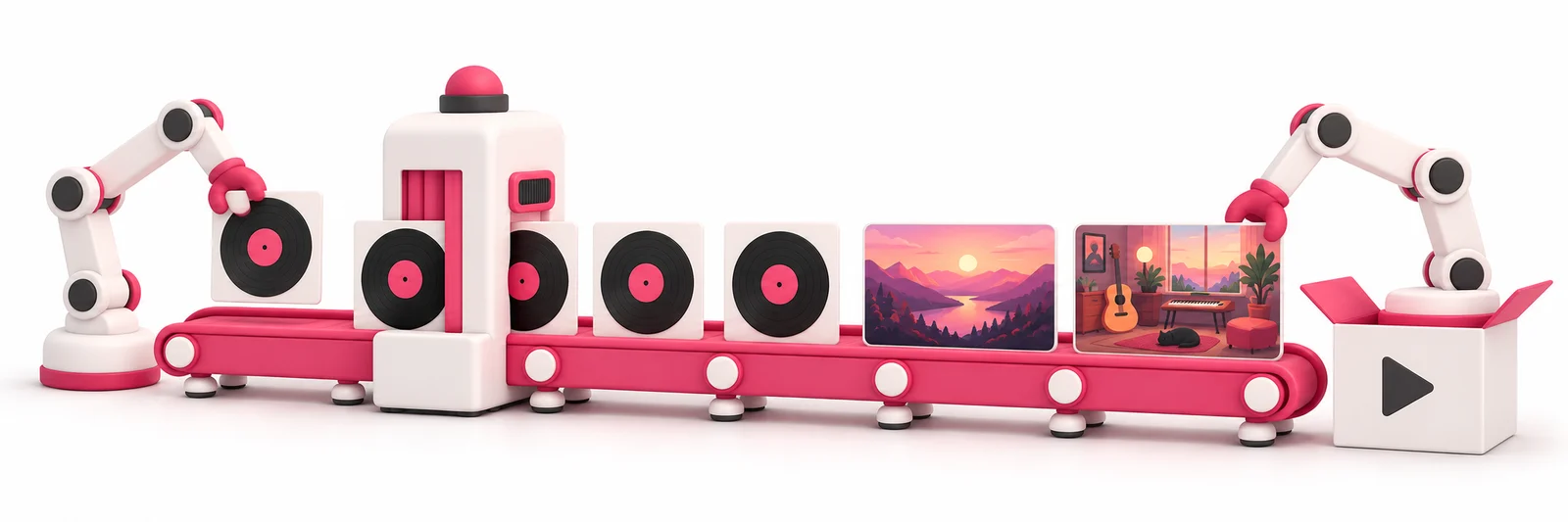
Playlist Playground (플플) is a Windows desktop production system designed to connect briefs, lyrics and prompts with Suno run tracking, curation, a shared library, downloads, mastering, subtitles and publish-ready video. It automates repetition and organization while the creator keeps control of direction, selection and final publishing.

PLAYLIST PLAYGROUND / WINDOWS DESKTOPRELEASE SCOPE IN PREPARATION
MUSIC WORKSPACE

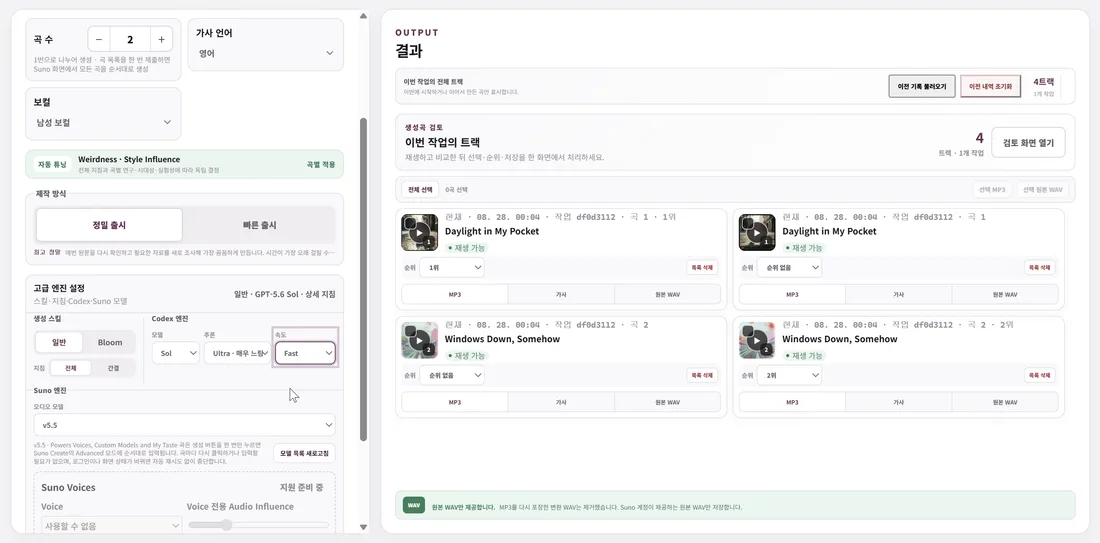
Prepare the brief and lyrics, track Suno runs, then rank up to 15 results.

BRIEF · LYRICS · PROMPTS · SUNO RUNS · RANKING

RANK / TITLEPROJECT / PLAYLISTFILE
01Velvet TransitSPRING STUDIESWAV
02April on FilmSPRING STUDIESMP3
03Borrowed LightNIGHT PLAYLISTWAV

Turn a creative direction into a brief, lyrics and prompts.

Connect Suno generation runs and curation with one library.

Reduce repetitive work across downloads, mastering, subtitles and video publishing.

01 / CONNECTED PRODUCTIONWINDOWS DESKTOP ONLY

Five workspaces, one production flow.

The release scope in preparation connects repeated runs and handoffs while the creator reviews and chooses every meaningful result.

01
MUSIC

Move from the brief to the shortlist

Turn one creative direction into a brief, lyrics and prompts; track Suno generation runs; audition the results; and rank up to 15 selections.

BRIEF · LYRICS · SUNO · RANK
02
LIBRARY

Give every selected track a place

Curate tracks, projects and playlists in one library while preserving selections and order across the next production steps.

TRACK · PROJECT · PLAYLIST
03
MASTERING

Check the finish against clear targets

Review LUFS and dBTP targets and prepare 24-bit native WAV deliverables.

LUFS · dBTP · 24-BIT WAV
04
DOWNLOADS

Organize the audio you need in one pass

Prepare individual MP3 and original WAV files, or collect selected results for a batch download.

MP3 · ORIGINAL WAV · BATCH
05
VIDEO

Prepare subtitles and publish-ready video

Create source-only or Korean, English and Japanese SRT/ASS subtitles and connect spectrum-video rendering from 720p to 4K with the publishing flow.

SRT/ASS · 720p—4K · PUBLISH
02 / CURATE TO PUBLISH

Reduce repetition, keep the finishing standard.

The system is designed to carry generation records and selections from Music into Library, then through Mastering, Downloads and Video.

I

A library that preserves runs and selections

Organize Suno generation runs and selected tracks by project and playlist, then keep an ordered shortlist of up to 15 tracks through later steps.

II

Mastering and files with visible targets

Review LUFS and dBTP before preparing shareable MP3, original WAV and 24-bit native WAV files individually or in batches.

III

From subtitles to publish-ready video

Prepare source-only or Korean, English and Japanese subtitles plus 720p—4K spectrum video while keeping the same project context through publishing.

HUMAN IN CONTROL
Automation lightens the work; the creator keeps the decisions.

Music · Library · Mastering · Downloads · Video

PLAYLIST PLAYGROUND · 플플 / WINDOWS DESKTOP

No installer is available yet. The app is being updated and prepared for safe distribution.

Once the feature scope and installation path are verified, the download page will publish the supported environment and delivery instructions.

Check update status
03 / NOTES

What to know before you start.

01What is Playlist Playground?

It is a Windows desktop production system, not a browser-based web app. It is designed to connect music preparation, generation tracking, curation, mastering, files, subtitles and publish-ready video from one creative direction.

02How does it fit into a Suno workflow?

It is designed to prepare briefs, lyrics and prompts, track Suno runs and their results, and carry approved tracks into curation. Actual generation remains subject to the connected service's policies and your access rights.

03Does automation replace creative decisions?

No. The system can help with repeated runs, status organization, batches and handoffs, but the user chooses the direction, tracks, ranking, final output and publishing decision.

04Can I download an installer now?

Not yet. The app is being updated and its distribution path is being verified. The download page will be updated only when safe delivery is ready.

05Can I pay for a plan now?

No. Pricing and payment terms are not final, and this public site does not collect payment details. Only confirmed terms will appear on the pricing page.