Music
One brief. Many possibilities.
Choose the sound and number of songs. Prepare lyrics and styles, create with Suno, then listen and choose.
View the guide ↗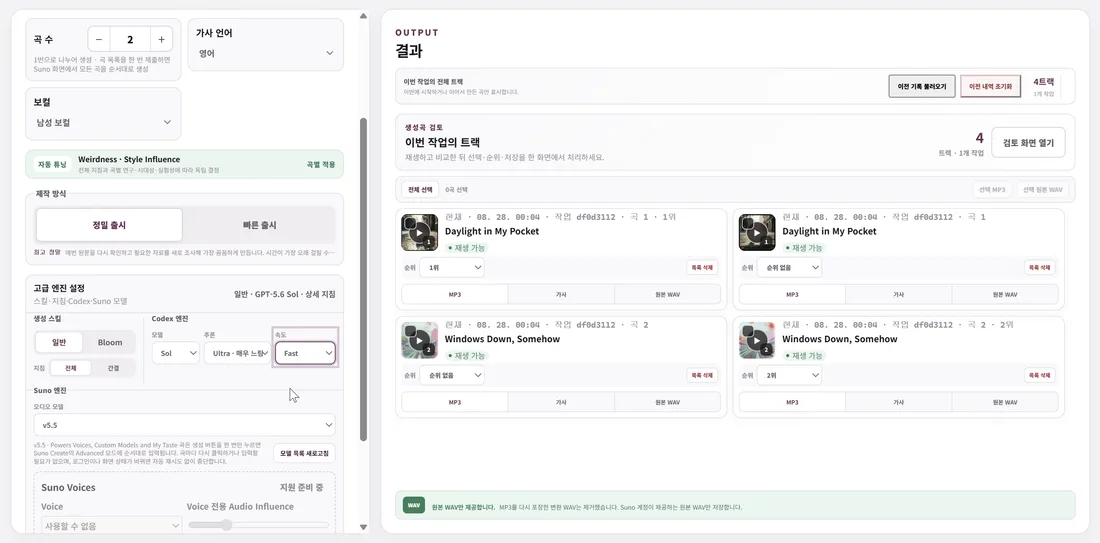
 Playlist Playground
Explore how music, audio, captions and video fit together, and where you choose the settings.
Music
Choose the sound and number of songs. Prepare lyrics and styles, create with Suno, then listen and choose.
View the guide ↗Mastering
Refine the selected songs and compare the original and processed audio.
View the guide ↗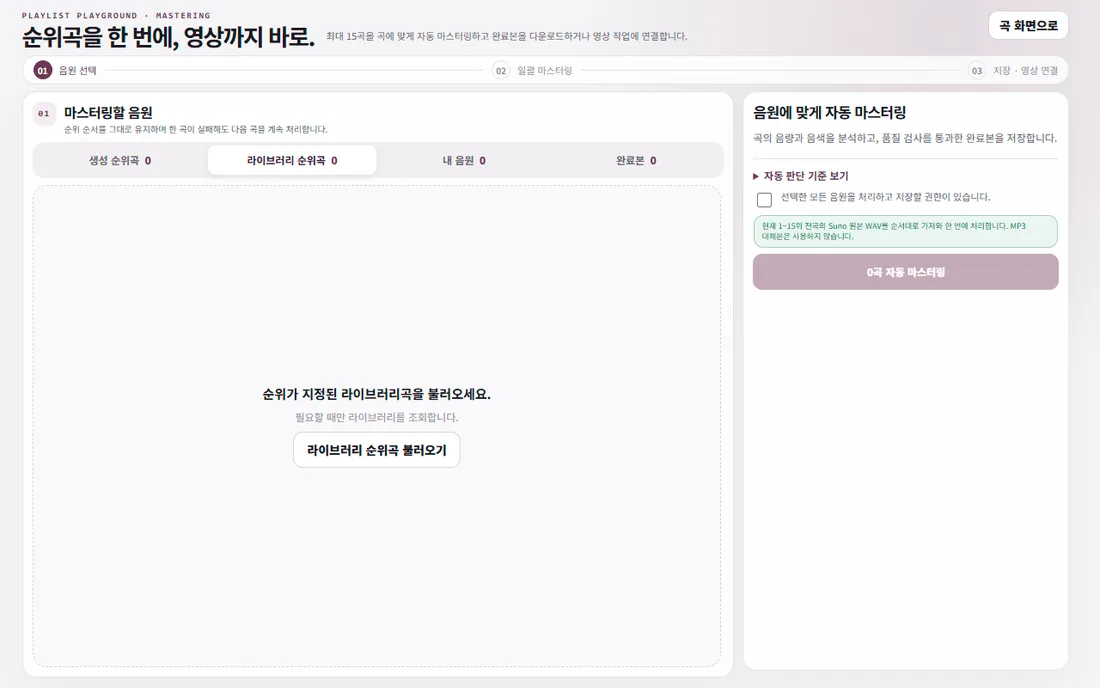
Lyric captions
Prepare aligned lyrics and choose the type and placement for the video.
View the guide ↗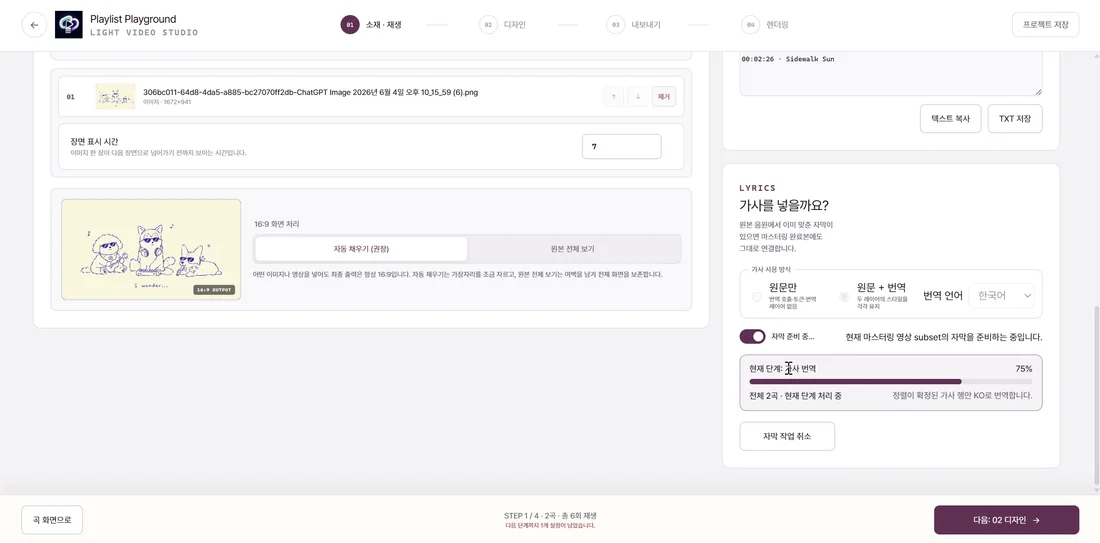
Video editing
Use your images or footage with captions and spectrum effects. Save your editing settings.
View the guide ↗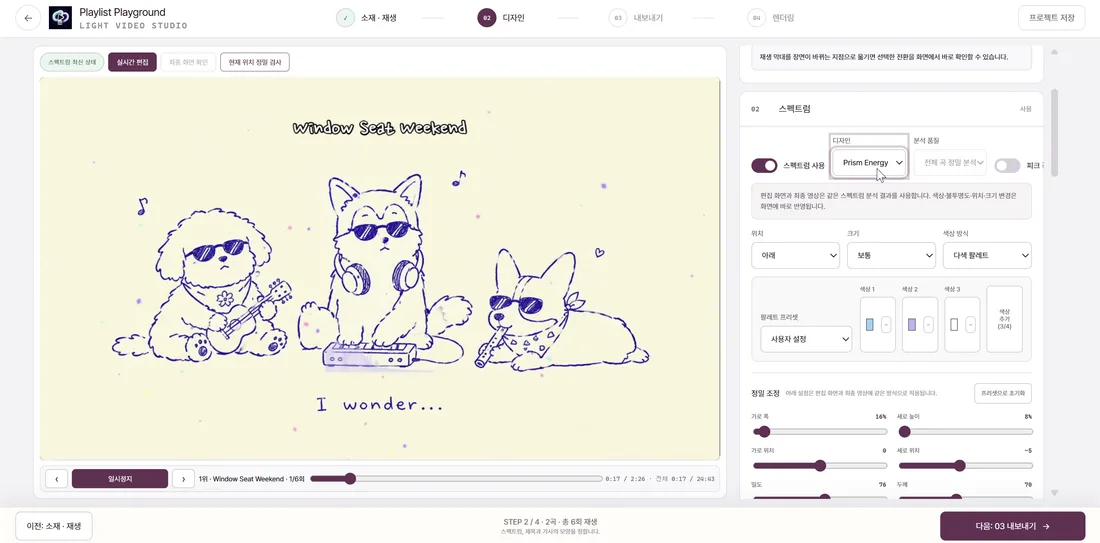
YouTube upload
Connect a channel and save your title, description and visibility.
View the guide ↗Connect a channel and save your title, description and visibility.
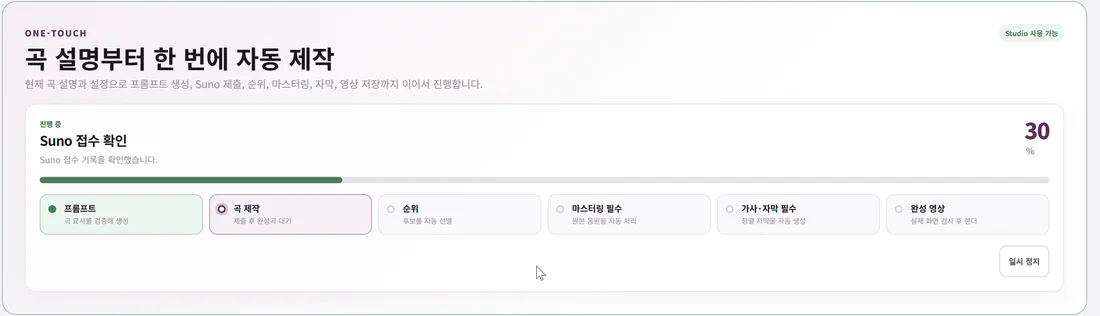
One Touch
Choose the song brief and video preset. The app connects music, mastering, captions and video.
View the guide ↗